
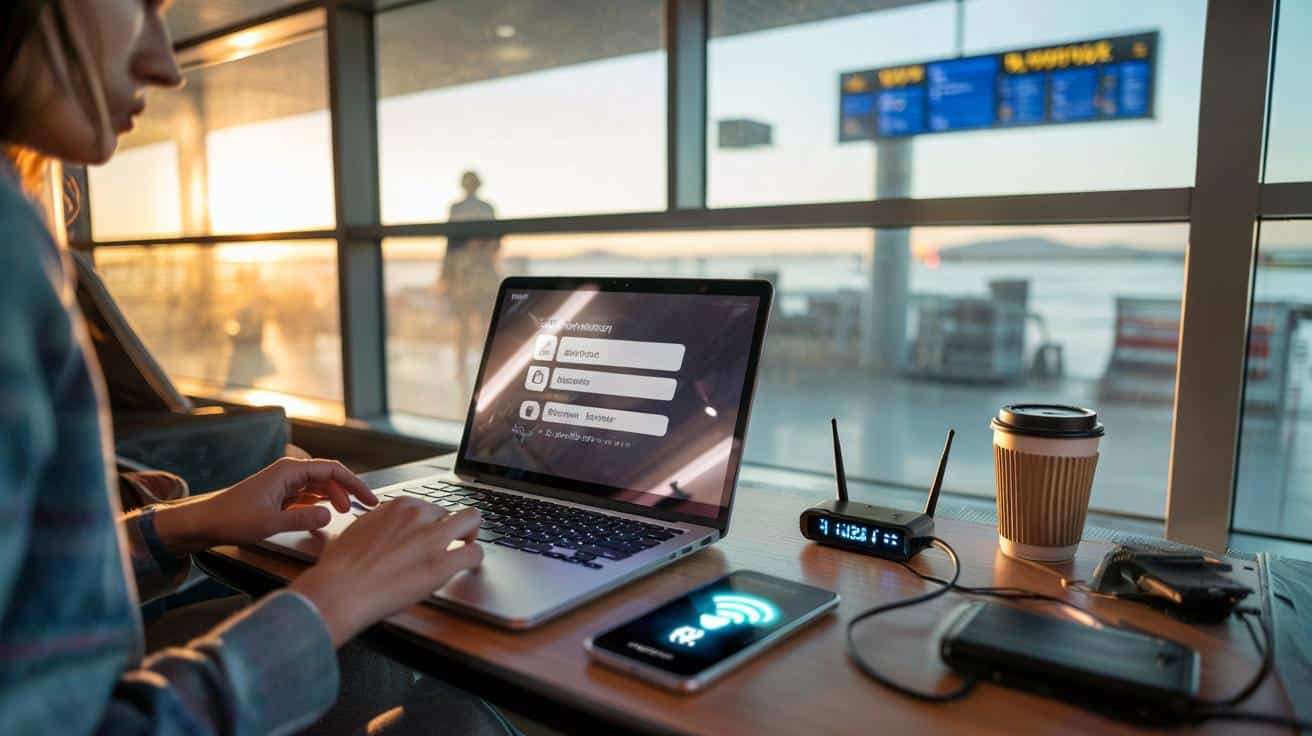
A sleepy chorus of notification pings floats over the gate, the soundtrack of a morning at Heathrow. You open your laptop, tap the little fan icon, and there it is: “Airport_Free_WiFi.” Tempting. No roaming fees, no hotspot faff, just a quick login through a glossy portal and you’re online. A small banner asks for your email “for access”. Another invites you to “log in with social”. You’re being helpful, you think, and time’s ticking before boarding. Two clicks later, your inbox loads, your banking app refreshes, your cloud tabs return. Comforting routine.
Only this time the network wasn’t the airport’s. It just looked like it.
And you never noticed.
Airport Wi‑Fi has a trust problem
Not all airport Wi‑Fi is malicious. The trouble is you can’t tell, in the moment, which bit is rotten. Terminals are perfect hunting grounds for cloned hotspots and fake logins. People are rushed. Devices are tired. You see “Free_WiFi_Airport” and your phone, keen to help, auto‑joins. The person behind the rogue router knows this behavioural pattern better than you do.
On one red‑team test I watched, a consultant rolled in a tiny travel router labelled “Staff_WIFI_Extender” and parked near a coffee stall. The SSID mirrored the official network with a barely noticeable variation. Within minutes, a handful of devices connected, then more, then a steady stream. Portals asked for an email to “unlock” faster speeds. That email turned up in phishing kits before the plane even pushed back. The whole scene looked boring. That’s why it worked.
Modern websites encrypt traffic, which helps. Yet the exposure isn’t just your web pages. It’s the metadata, the logins you re‑use, the apps that don’t fully pin certificates, the captive portals that inject tracking scripts, the cookie pop‑ups you accept on autopilot. *This isn’t paranoia; it’s routine cybercrime.* Attackers exploit that small window between you wanting to connect and you thinking clearly. **Public Wi‑Fi at airports isn’t free — you pay with exposure.**
What to do instead, right now
Use your own connection. Tether from your phone’s 4G or 5G. Buy a small data pass, or an eSIM when you book flights, and keep it as your travel internet. Turn off “Auto‑Join” for public networks and “Ask to Join” on, so your device doesn’t quietly hop onto something nearby. Download maps, playlists, and work docs before you leave the house, then sync again on mobile once you’re past security. **Use your phone’s data instead; it’s far safer in the real world.** Let’s be honest: no one does that every day.
If you must connect to airport Wi‑Fi, slow yourself down. Check the name of the network on the official screens or ask at the gate; fakes often play with punctuation or hyphens. Don’t hand over your main email for a captive portal; use a throwaway or a masked address. Avoid “Log in with Facebook/Google” for access. Prefer banking and password changes on mobile data only. Switch off file sharing, and “forget” the network when you’re done. We’ve all lived that moment where convenience wins by a nose. This is where you tip the balance back.
In riskier countries or crowded hubs, a reputable VPN can help by wrapping your traffic so a snooper sees gibberish, not juicy content. It doesn’t fix phishing or dodgy portals, but it narrows the danger window. Keep your device updated, enable two‑factor authentication, and move to passkeys where possible so stolen passwords are useless. **If you absolutely must connect, do it through a trustworthy VPN and keep it brief.**
“Treat airport Wi‑Fi like a billboard: you can read it, but don’t hand it your personal details,” says a veteran security engineer who audits travel hubs.
- Prefer mobile data or a travel eSIM for anything sensitive.
- Disable auto‑join; forget networks after use.
- Use a reputable VPN if you’re forced onto public Wi‑Fi.
- Don’t reuse passwords; turn on two‑factor and move to passkeys.
- Avoid captive portals asking for social logins or full names.
A new travel habit worth learning
Airport Wi‑Fi once felt like a free public utility. Today it’s a maze of portals, trackers, and the odd ambush. You don’t need to become a tinfoil‑hat road warrior; you need a small shift in habit. Carry your own connection. Pause before you click. Keep the sensitive stuff for mobile data and leave the big sync for hotel or home networks you control. The more travellers do this, the less profitable the airport‑Wi‑Fi trap becomes. You’ll arrive with the same emails, the same messages, and your privacy intact — with one extra story to tell the person in 14C who still wonders why the “free Wi‑Fi” didn’t load their boarding pass. Maybe that’s a conversation worth having in the queue at the gate.
| Key point | Detail | Interest for the reader |
|---|---|---|
| Evil‑twin hotspots are common | Attackers clone SSIDs and lure rushed travellers through look‑alike portals | Explains why “Airport_Free_WiFi” isn’t a guarantee of safety |
| Captive portals harvest data | Emails and social logins feed targeted phishing and tracking | Shows how “free” access costs you long after take‑off |
| Mobile data is the safer default | Tethering, eSIMs and short VPN sessions reduce exposure | Gives a simple, practical alternative you can use today |
FAQ :
- Is any airport Wi‑Fi ever safe to use?You can reduce risk, not remove it. Treat airport networks as untrusted. For quick, low‑stakes browsing, limit what you open, avoid logins, and keep sessions short. For email, banking, or work platforms, switch to your phone’s data.
- Will a VPN make airport Wi‑Fi safe?A good VPN encrypts your traffic and blunts snooping or rogue hotspots. It won’t stop phishing sites, fake portals, or apps that mishandle your account once you’ve logged in. Use it as a layer, not a magic shield, and only pick providers with clear, audited policies.
- Does a Wi‑Fi password mean it’s secure?Not necessarily. A shared password (printed on a sign) protects against casual outsiders, but everyone on that network still shares the same key. Enterprise Wi‑Fi (per‑user credentials) is stronger, but you still face tracking and portal risks. Untrusted is still the right mindset.
- Is HTTPS enough protection on public Wi‑Fi?HTTPS helps a lot, yet it doesn’t cover everything. Captive portals can pry before encryption, apps may leak metadata, and phishing can trick you into giving secrets away on a perfectly encrypted page. Keep HTTPS, add caution, and prefer mobile data for anything sensitive.
- What if I’ve got no data or my plan is tiny?Download essentials at home, enable offline modes, and queue non‑urgent syncs for later. Consider a cheap travel eSIM or a day pass from your carrier. When stuck, connect only for a moment via VPN, avoid logins, and “forget” the network as soon as you’re done.







Great explainer—especially the bit about evil‑twin SSIDs and captive portals. Turning off Auto‑Join right now and switching to a travel eSIM next trip. Thanks for the clear steps.
Isn’t this a bit alarmist? If most sites use HTTPS and some apps do cert pinning, how realisitic is the risk beyond metadata leakage? Curious if you’ve got incident stats.