
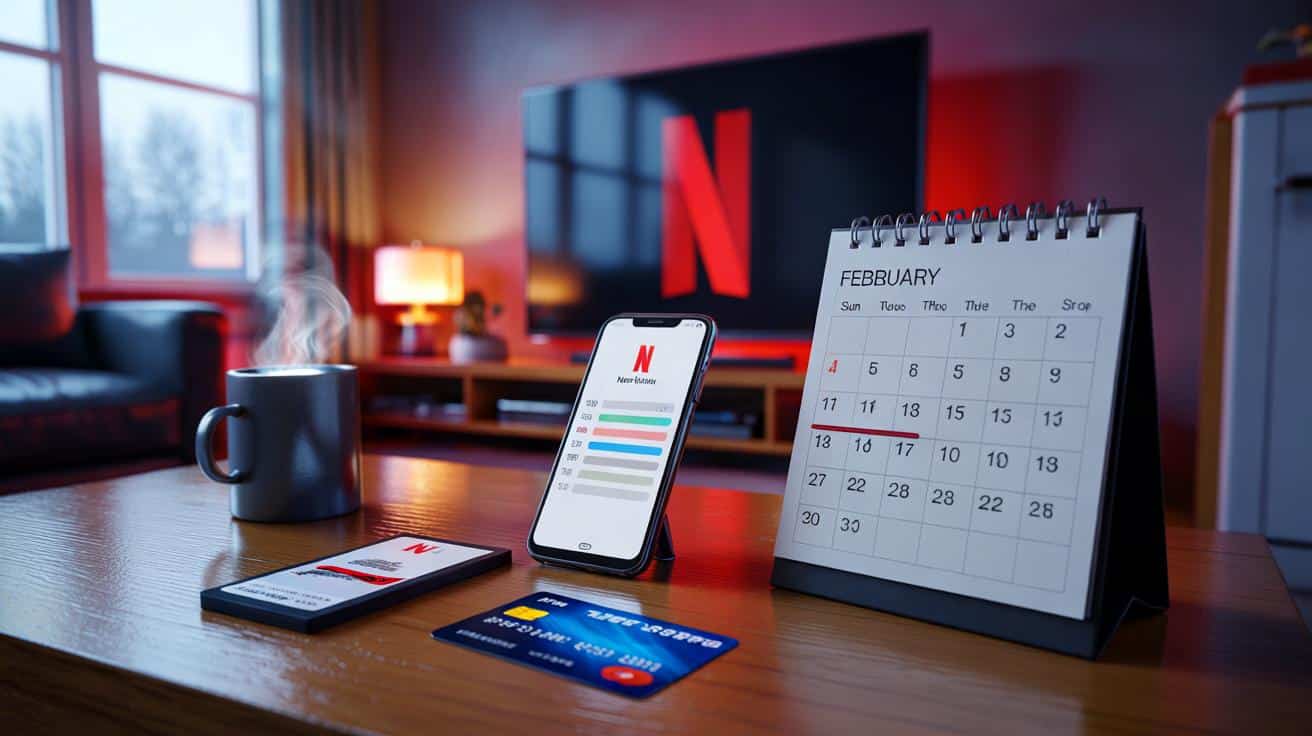
Your Netflix bill might look a little strange in February. Not because of a secret price rise, but because the shortest month plays tricks with subscription dates, discounts and bundles. It’s the month when timing, not just pricing, tends to nudge the number you see on your bank app.
The Netflix line looked off — not wildly, just enough to make you frown into your mug and scroll back a month, then another. A friend in the group chat swore blind they’d been “charged twice in one pay cycle”, another blamed a stealth hike, and someone else remembered upgrading to 4K for a Christmas film night. The more you look, the more it feels less like a conspiracy and more like life’s quiet admin piling up right where February always squeezes it. Which is to say, your bill didn’t just change — the calendar did.
The February quirk that can nudge your Netflix bill
February doesn’t behave like the other months. If your Netflix billing date falls on the 29th, 30th or 31st, the charge shifts to the last day of shorter months, which can pull a payment forward and make it land sooner than your head expects. That can look like a rise when it’s really a shuffle. Your plan price probably hasn’t changed at all.
Take Jess in Leeds, who started her subscription on 31 December after a week of family films. She saw charges on 31 January, then 29 February, and her budgeting app flagged it as “two payments in one 30‑day window”. Nothing sneaky happened — the fee simply moved to the last day of the short month, then bounces back to the 31st in March. When wages arrive monthly, that kind of calendar hop can spook a balance.
Here’s what’s going on under the bonnet. Netflix bills on the same date each month, and when that date doesn’t exist, it bills on the last day available. Change your plan mid‑cycle and you’ll see a partial credit and a partial charge as the system evens it out, which can fatten one month and slim the next. Pay via Apple, Google, or a TV provider, and taxes, rounding and bundle rules can be slightly different to Netflix direct. *Yes, the calendar can make a bill look bigger.*
How to take control before the next charge
Start on your Account page: Membership & Billing shows your plan, billing date, payment method and history. Tap “Billing details” to see exactly what was charged and why, including any mid‑month plan switch or promo credit ending. If the date is awkward for your pay cycle, there’s a neat fix — cancel before renewal and restart on the day you actually want charges to land. You can move your billing date by cancelling and restarting on the day you actually want to pay.
If you went Premium for festive 4K, decide whether you still need it. Standard often hits the sweet spot for most households, and the ad‑supported tier can be a tidy saving if it’s available where you live. Check “extra member” slots you may have added for family at uni or a long visit over the holidays. We’ve all had that moment when the Christmas upgrade quietly rolls on into spring. Let’s be honest: nobody does that every single day.
Look at how you’re billed. If it’s through a mobile or TV bundle, plan changes usually have to be made with that provider, not Netflix. If you pay via Apple or Google, tax and currency rounding may differ from Netflix direct, and promo periods can end on different calendars.
Think of February as a billing illusion: same subscription, different timing, plus a few festive leftovers finally settling the tab.
- Open Account → Membership & Billing → Billing details for a line‑by‑line breakdown.
- Check “Plan details” and downgrade if you don’t need Premium features.
- Remove any “extra member” you no longer use.
- If the date is awkward, cancel a day before renewal and restart on your preferred date.
- If you’re billed via a provider or app store, make changes through that channel.
What this means for the months ahead
February plays this trick every year, leap day or not, and it’s not just Netflix — any monthly subscription can shift when the calendar shortens the month. A tiny bit of housekeeping now saves an afternoon of huffing at your statements later, and it turns “mystery charge” into “oh, that’s why”. Think about the holidays too: gift cards that finally ran out, discounted trials that quietly matured, bundles that changed when you upgraded broadband. February isn’t out to get you; it’s just the month that exposes the seams in our digital admin. Share this with the friend who’s convinced there’s a stealth hike and compare notes on who actually needs 4K, who’s fine with the ad tier, and which date lines up best with payday. A small tidy‑up now, and your March will look boring in the best possible way.
| Key point | Detail | Interest for the reader |
|---|---|---|
| Short month shift | Billing dates on the 29th, 30th or 31st move to the last day of February | Explains why a charge lands earlier without a real price rise |
| Promo and credit endings | Holiday discounts, partner offers or gift cards expire and reveal the normal rate | Helps spot which part of the bill actually changed |
| Bundle and platform billing | Paying via a telco or app store can alter tax, timing and how you change plans | Shows where to click to fix the issue fast |
FAQ :
- Why was I charged earlier than usual in February?Because February is shorter. If your billing date doesn’t exist in that month, Netflix charges on the last day available, which pulls the payment forward.
- Did Netflix raise prices in February?Not necessarily. Unless there’s a formal announcement for your region, the change you’re seeing is most often timing, a plan switch, or a promo ending.
- How can I change my Netflix billing date?There’s no direct “change date” button. Cancel the day before renewal, then restart on the date you prefer so future bills land then.
- Why is my amount higher than last month?Common reasons: a full month at a higher plan after a mid‑cycle upgrade, an extra member you added, a discount or gift card ending, or taxes via an app store.
- I saw two Netflix charges in one calendar month — is that normal?It can happen when a late‑month date shifts to February’s end and your next charge lands at the usual date in the following month. It’s still one charge per billing cycle.







So if my bill hit on Feb 29 and again on Mar 31, thats still one per cycle? It feels like two in one pay period. Any way to make it land right after payday without cancellng?