
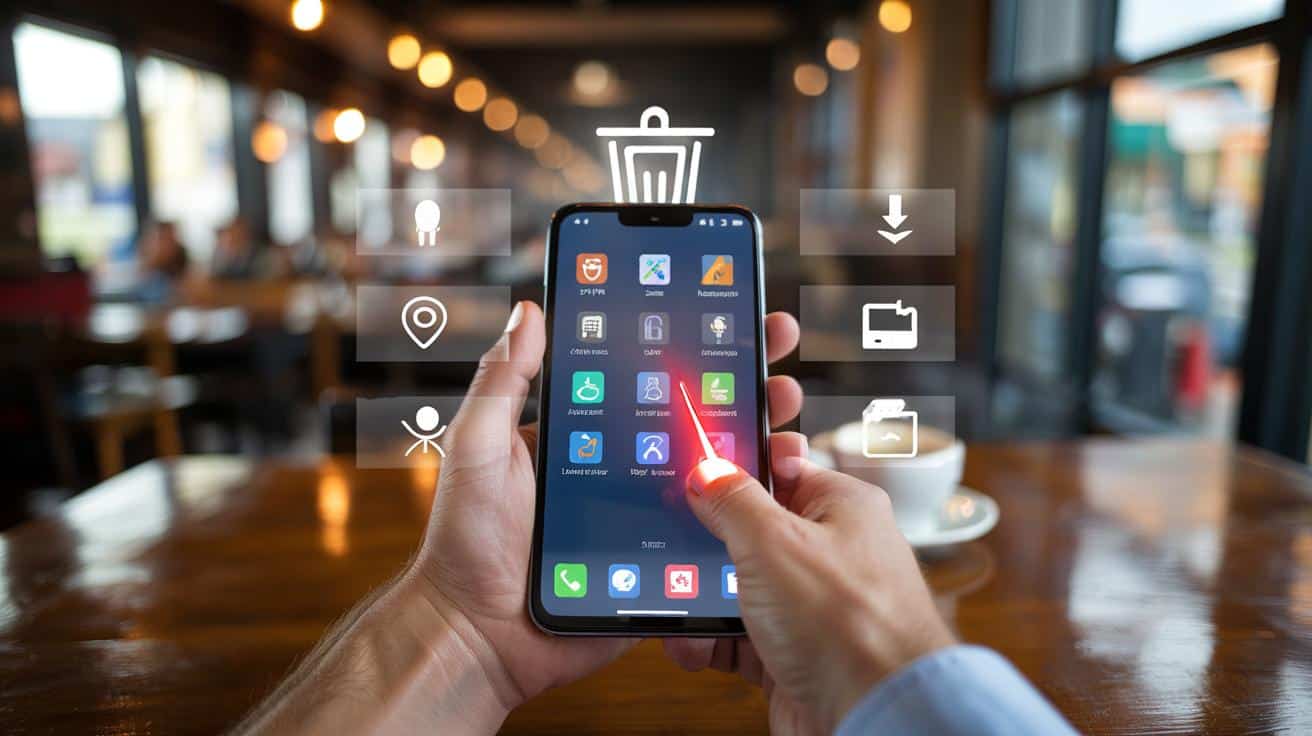
I watch a woman thumbing through her homescreen, hesitating on an app she can’t remember installing. Two seats down, a man swipes away a warning pop‑up like it’s a crumb on his jacket. We trust these tiny icons with our maps, our money, our memories. They sit quiet, even friendly. Then, once in a while, one of them bites.
The five ‘dangerous’ apps you should delete before your next coffee
Let’s talk about the wolves in cardigans. There are five app types that hide in plain sight and feed on your data, your battery, sometimes your bank. Top of the list: free VPNs you’ve never heard of, flashlight and QR scanners from the pre‑2020 era, RAM boosters and “battery savers”, keyboard apps from unknown developers, and anything sideloaded or “modded” outside official stores. They look helpful. They promise boosts and privacy. They usually do the opposite.
One reader told me about a “battery optimizer” that installed during a late‑night clean‑up binge. Within days, his lock screen was showing full‑screen ads, the phone ran hot, and his data usage spiked like a bad mood. Another wrote that a “free VPN” fixed a streaming issue for a week, then started failing every other hour while quietly slurping location and device identifiers. These are not freak cases. They’re the business model for a long tail of throwaway apps stitched together with cheap ad‑tech.
Here’s why these five are risky. Free VPNs often monetise by logging and selling what they can about your traffic and device. Flashlight and QR apps used to request Contacts, Location, even Microphone, because the stores weren’t strict and users tapped “Allow” like a reflex. RAM boosters and task killers fight the operating system, drain more power, and can shove aggressive ad SDKs under the bonnet. Unknown keyboards can capture every tap you make. Sideloaded clones skip store checks, so malware and sneaky permissions travel light. **Delete these five types today.**
How to check and clean your phone in 7 minutes
Start with a sweep. Open your app list and sort by “Last used”. Anything untouched for 90 days? It’s gone. Now sort by “Permissions” and look for strays with Location, SMS, Call logs, or Accessibility turned on without a clear reason. Move to your VPN list and remove any you don’t pay for or don’t recognise. Finally, open your keyboards and disable any third‑party option you don’t absolutely need. *Your phone is your life in a pocket; treat it like one.*
There’s a smarter way to repeat this without going full tinfoil. On Android, review App Permissions and reset permissions for unused apps. On iPhone, check Privacy & Security and strip Location to “While Using” or “Never” for apps that don’t require it. Toggle off “Install unknown apps” if you’ve ever enabled it. Update the operating system before anything else. Soyons honnêtes : personne ne fait vraiment ça tous les jours. Build a small habit—once a month is plenty and it actually sticks.
Common traps? Don’t replace a bad app with a different bad app wearing new colours. Privacy labels and review scores help, but look at the developer’s homepage and how they make money. **Privacy settings are not a substitute for trustworthy apps.** If an app requests Accessibility Service and it’s not for declared accessibility features, that’s a red flag. If a keyboard wants “Full Access” without a clear reason, walk away.
“Good security is boring on purpose. Delete what you don’t use, reduce what you don’t trust, and pay for the few tools that genuinely protect you.”
- Delete today: free VPNs you don’t subscribe to.
- Delete today: old flashlight/QR scanners from unknown publishers.
- Delete today: RAM boosters, task killers, battery savers.
- Delete today: third‑party keyboards from unknown developers.
- Delete today: cloned or modded apps installed outside official stores.
What this really changes about the way you use your phone
We buy bigger batteries and faster chips, then hand control to tiny apps that nibble away at both. Clearing them isn’t just tidying. It’s reclaiming the feel of your device, the quiet between notifications, the confidence that your taps aren’t being watched. On a human level, it’s relief. On a practical level, it’s fewer ads, fewer crashes, fewer surprise data charges.
There’s a deeper shift hiding here. When you delete a sketchy keyboard and pay £1.49 for a clean alternative, you vote with your wallet for better software. When you ditch a free VPN and try a reputable paid one, you tell the market you value privacy as a feature, not a slogan. **If in doubt, leave it out.** We’ve all had that moment where an app felt off but we shrugged and carried on. Next time, trust the shrug.
And there’s the social bit. When you talk through this with a partner or parent and you both bin the zombie apps, the whole household gets safer. Kids’ hand‑me‑down phones often carry the worst stowaways—old QR scanners, random boosters, that “game helper” from a forum download. Delete, reboot, breathe. Small rituals beat big breaches.
| Key point | Detail | Interest for the reader |
|---|---|---|
| Five app types to remove | Free VPNs, old flashlight/QR apps, boosters, unknown keyboards, sideloaded clones | Immediate, actionable clean‑up that reduces risk today |
| 7‑minute audit method | Sort by last used, review permissions, prune VPNs and keyboards, update OS | A quick routine that actually fits a coffee break |
| Red flags to spot | Excessive permissions, Accessibility abuse, vague developer pages, aggressive ads | Simple cues to decide “keep or delete” without being a tech expert |
FAQ :
- Are all free VPNs bad?Not all, but many rely on logging and ads. If a VPN is free, you’re likely the product. Look for transparent policies, independent audits, and a revenue model that isn’t your data.
- Isn’t a RAM booster useful on Android?No. Android manages memory on its own. Killers and boosters often fight the system, drain battery, and can inject noisy ads.
- My QR scanner works fine—why delete it?Modern cameras scan QR codes natively. Old scanner apps often came with trackers and stale code. Use your camera and skip the bloat.
- How do I pick a safe keyboard?Stick to the big, well‑maintained options from trusted developers, and avoid “Full Access” unless you need cloud features you understand.
- Is sideloading always risky?It increases risk because you bypass store checks. If you must, verify signatures, use reputable sources, and keep it rare. When in doubt, wait for the official release.







Great breakdown—especially the 7-minute audit. I just nuked a sketchy keyboard and my phone feels snappier already. For VPNs, beyond the usual big names, what criteria matter most—independent audits, open-source clients, no virtual locations? Any picks you personally trust for iOS and Android?